
FeatureAI Chatbot
AI Chatbot
An AI chatbot trained on your site that answers around the clock, captures leads, and hands off to your team with the full conversation.
What you get
- Starts conversations proactively
- Answers from your content
- Searches your products
- Fetches your own pages
- Captures leads in the chat
- Optional web search & general knowledge
- Hands off to humans
What can you ask?
Example requests from your visitors and your team. Some need a connected tool, such as your store.
Your visitors ask the AI chatbot
Answers and actions at any hour
- “Do you ship to Norway, and how long does it take?”
- “Do you have these running shoes in size 42?”
- “Where is my order #1042?”
- “I would like to talk to a person, please.”
Your team asks Copilot
Copilot picks up where the chatbot stops
- “Summarize what this visitor asked the chatbot.”
- “Draft a reply to the question the chatbot could not answer.”
- “Which questions could the chatbot not answer this week?”
- “Add this answer to the knowledge base so the chatbot knows it next time.”
Live demo
Watch It Handle Customer Questions
Product search, order tracking, appointment booking, and billing. The AI picks the right tool and resolves each request automatically.


Your AI agent
What the AI Chatbot does
Trained on your site, it opens conversations at the right moment, answers from your content, searches your products, captures leads, and hands off to your team when a human is needed.
Starts conversations proactively
A flow can open the chat at the right moment, when a visitor stays on a page or is about to leave. You write the opener, or the AI writes it from your instructions. Needs the Pro plan.
Answers from your content
The chatbot searches your crawled pages, files, and Q&A before it answers, using keyword and meaning-based search with reranking, so answers come from what you published.
Searches your products
On sites with a product catalog, the chatbot searches your products and shows product cards in the chat. It uses your connected store (Shopify, WooCommerce, and more) or your crawled product pages.
Fetches your own pages
When an answer needs a specific page, the chatbot opens a page on your own site (or a domain you allow) and reads it live.
Captures leads in the chat
When a visitor asks for a callback or a quote, the chatbot asks for their email and name and saves them as a lead. Forms you add to a flow collect more details right in the chat (Pro).
Optional web search & general knowledge
The site owner can turn on YOLO mode to allow live web search and the model's general knowledge for questions outside your knowledge base.
Hands off to humans
When a visitor asks for a person, the chatbot collects their email and opens a live-support conversation with the full thread. Flows can also hand off based on what the visitor asks. Live support needs the Pro plan.
BubblaV mobile apps
Your AI agent, on the go.
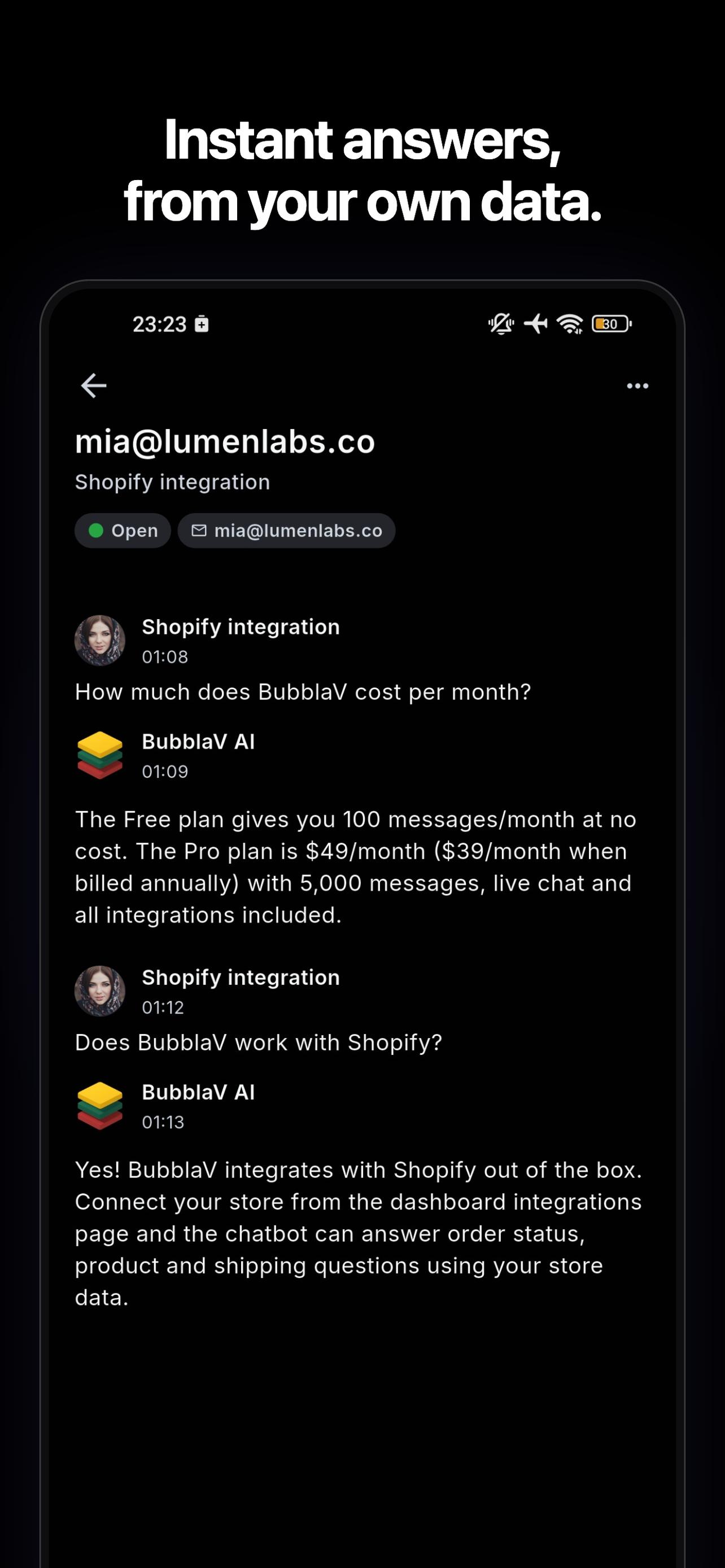
Your chatbot keeps answering while you're out. On Pro, your team can open customer conversations and reply from the mobile app.
Push notifications for new conversations and messages.
On Pro, reply with the same open / waiting / archived inbox as your desktop.
Copilot drafts and translation travel with you — one tap to a grounded, translated reply.


How it works
From setup to a resolved conversation.
- 01
Train on your content
Point BubblaV at your website and upload files and Q&A. The crawler builds a searchable knowledge base automatically. - 02
The chatbot answers
Visitors ask questions; the chatbot searches your content and uses tools (product search, page reading, your connected integrations) to answer. - 03
Hand off when it matters
When a visitor asks for a person, the conversation moves to your live-support inbox with the full thread attached.
Related features
AI Chatbot works best together with these.
- Knowledge BaseTrain your AI on your website, docs, PDFs, Notion, Google Docs, and Zendesk, kept current automatically, so answers come from your own content.
- Live ChatReal-time live chat with smart AI-to-human handoff: your team picks up conversations with the full picture already in front of them.
- Unified InboxEvery customer channel (web, WhatsApp, Messenger, Instagram, Slack, Discord, Email, Telegram, plus HubSpot & Zendesk tickets) in one shared inbox.
- Chat WidgetA fully customizable chat widget that matches your brand: colors, position, avatar, greeting, and more. Live with one script tag.
AI Chatbot FAQ
How BubblaV AI chatbot works.
How does the chatbot avoid making things up?
How does the chatbot avoid making things up?
It answers from your own content: it searches your pages, files, and Q&A with keyword and meaning-based search plus reranking. If a question isn't covered, it can offer to connect the visitor with your team instead of guessing.
Can the chatbot take actions, not just answer?
Can the chatbot take actions, not just answer?
Yes. Beyond looking up your content, it can search your product catalog, read pages on your site, capture a visitor's email as a lead, and use the tools of the integrations you connect (such as Shopify, Zendesk, or Calendly). Forms you add to a flow also show in the chat.
Which channels does the AI chatbot work on?
Which channels does the AI chatbot work on?
The same chatbot answers on your website widget, WhatsApp, Messenger, Instagram, Slack, Discord, and Telegram, all from one knowledge base. It answers email too when you turn on AI auto-replies.
Try AI Chatbot for free
Deploy an AI chatbot trained on your site. No credit card.